Transform Your Business with a Smart Document Management System

MLGLOBTECH
Aug 25, 2026
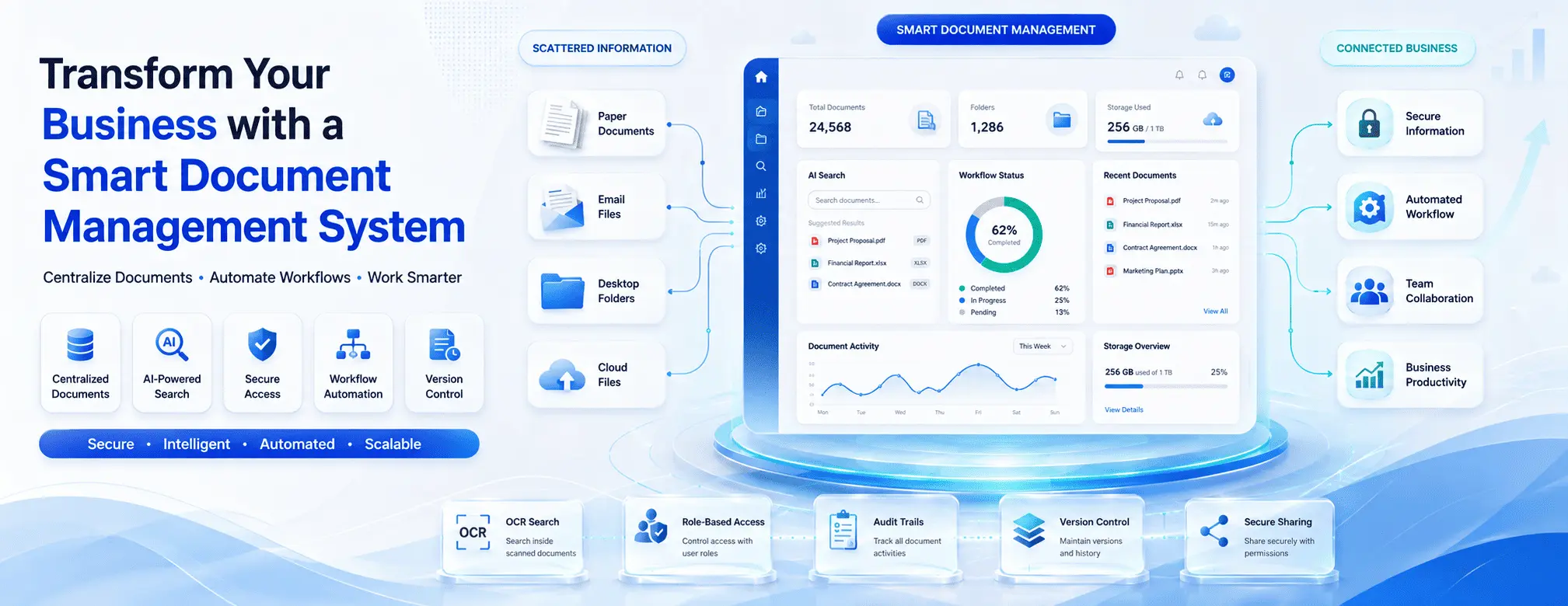
In today's fast-paced digital business environment, managing documents efficiently is essential for productivity, security, and long-term growth. Businesses of all sizes handle a large volume of invoices, contracts, employee records, reports, customer documents, compliance files, and other important information every day. When these documents are stored across paper files, email inboxes, desktop folders, and multiple cloud storage platforms, finding and managing the right information can become difficult.
A smart Document Management System (DMS) helps businesses solve these challenges by providing a centralized, secure, and organized platform for storing, managing, searching, sharing, and tracking documents. By replacing manual processes with intelligent digital workflows, businesses can save time, reduce operational costs, improve collaboration, and maintain better control over critical information.
What Is a Smart Document Management System?
A Document Management System is a software solution designed to manage the complete lifecycle of business documents. It allows organizations to digitally store and organize documents in a central repository instead of relying on physical filing cabinets or disconnected storage systems.
A smart document management system goes beyond basic file storage. It can include advanced capabilities such as:
Centralized document storage
Advanced search and filtering
OCR (Optical Character Recognition)
Document version control
Role-based access permissions
Secure document sharing
Automated approval workflows
Document activity tracking
Audit trails
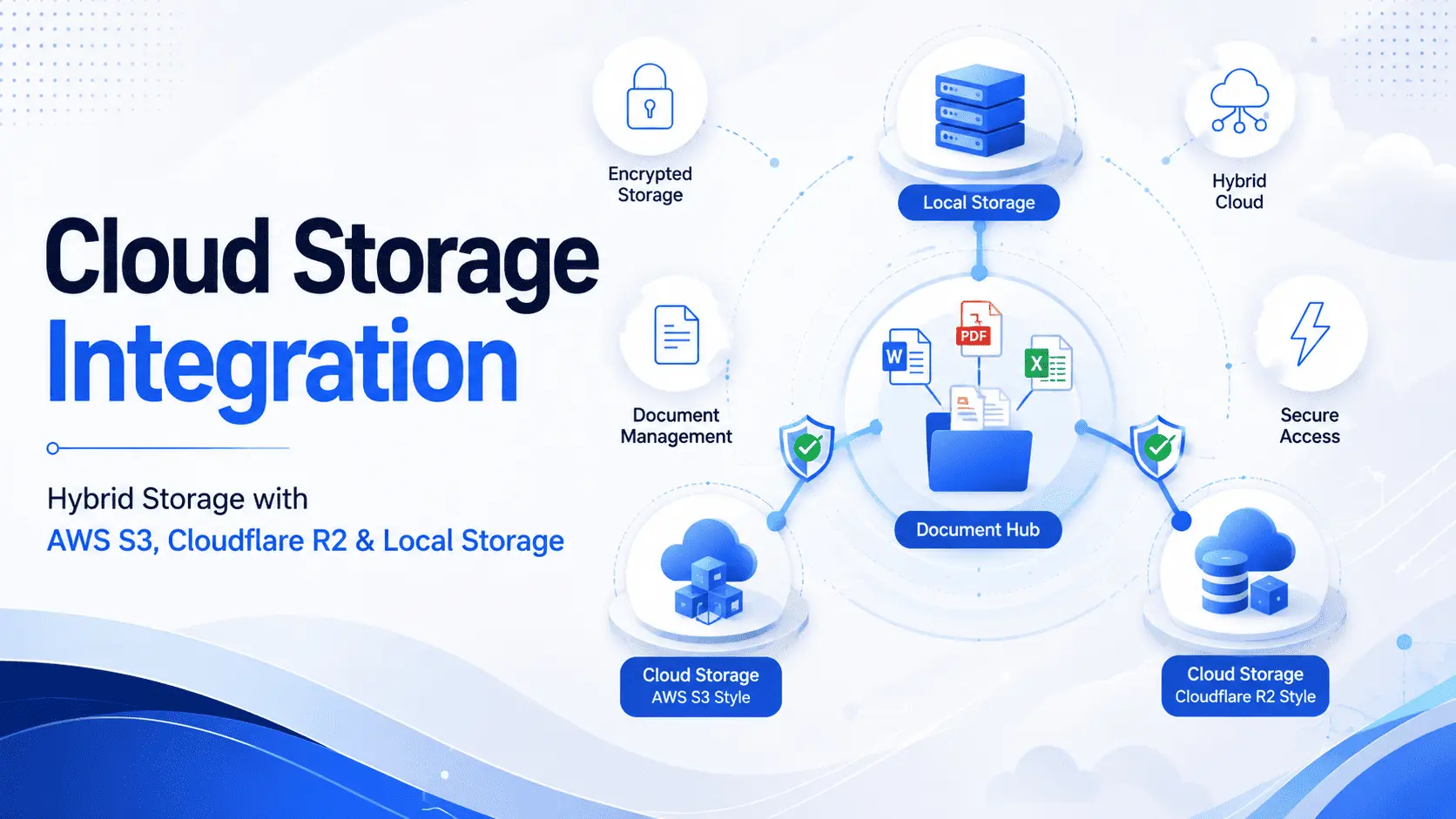
Cloud or self-hosted deployment
Backup and recovery options
These features help organizations access the right document at the right time while improving security and reducing manual work.
Eliminate Time-Consuming Manual Document Searches
One of the biggest challenges businesses face is finding documents quickly. Employees may spend valuable time searching through folders, emails, physical files, and multiple storage systems.
A smart DMS creates a centralized digital repository where documents can be categorized using folders, tags, metadata, departments, projects, or document types. Advanced search functionality makes it easier to locate information within seconds.
OCR technology can further improve document accessibility. It can convert scanned documents and images into searchable content, allowing users to find specific information without manually reviewing every page.
For example, instead of searching through hundreds of scanned invoices, an employee can search for an invoice number, customer name, date, or keyword. This significantly improves productivity and reduces frustration.
Improve Document Security and Access Control
Business documents often contain confidential information. Financial reports, employee records, legal agreements, customer information, and intellectual property should not be accessible to everyone in an organization.
A smart document management system provides better control over who can access, edit, download, share, or delete specific documents.
Role-based access control allows administrators to assign permissions according to an employee's responsibilities. For example:
HR teams can access employee documents.
Finance teams can manage invoices and financial records.
Managers can approve important documents.
General employees can access only relevant files.
This structured approach helps reduce the risk of unauthorized access and accidental data exposure.
Additional security features such as authentication, activity logs, document permissions, and audit trails can provide greater visibility into how sensitive information is being used.
Increase Productivity Through Automation
Manual document processes can slow down business operations. Employees may need to send files through email, wait for approvals, follow up with team members, and manually track document status.
A smart DMS can automate many of these repetitive tasks through document workflows.
For example, a purchase document can automatically move through the following process:
Document upload
Review by the relevant department
Manager approval
Finance verification
Final storage and recordkeeping
Notifications can alert users when action is required, reducing delays and unnecessary follow-ups.
Automated workflows improve consistency and help ensure that important business processes follow established procedures. As a result, teams can spend more time on strategic work instead of administrative tasks.
Enable Better Team Collaboration
Modern businesses often have employees working across different departments, locations, and time zones. Without a centralized system, collaboration can become difficult.
A document management system allows authorized users to access the latest documents from one secure location. Team members can share files, collaborate on documents, review changes, and track document activity without creating multiple confusing copies.
Version control is particularly important for collaborative environments. It helps businesses identify the latest version of a document and maintain a record of previous versions.
This reduces common problems such as:
Working on outdated documents
Accidentally overwriting important files
Sending incorrect versions to customers
Losing track of document changes
With better collaboration and version management, teams can work more efficiently and confidently.
Reduce Paperwork and Operational Costs
Traditional paper-based document management can be expensive. Businesses must spend money on printing, paper, storage space, filing systems, and document retrieval.
Physical documents can also be difficult to organize and are vulnerable to damage, loss, or misplacement.
Digital document management reduces dependence on paper and allows organizations to store information electronically. Employees can upload, search, access, and share documents without printing unnecessary copies.
Going paperless can help businesses:
Reduce printing costs
Save physical storage space
Improve document organization
Speed up information retrieval
Support environmentally responsible operations
Over time, these improvements can result in significant operational savings.
Maintain Compliance and Improve Audit Readiness
Many industries must follow strict rules regarding document storage, access, retention, and security. Managing compliance manually can be challenging, particularly as the number of documents grows.
A smart document management system can help organizations establish more structured document processes. Features such as access controls, audit trails, version history, and document retention policies provide greater visibility and accountability.
Audit trails can show important document activities, including who accessed, edited, approved, or shared a document. This information can be valuable during internal reviews, audits, and compliance processes.
A well-organized digital repository also makes it easier to retrieve required records when needed instead of searching through large volumes of physical files.
Scale Your Document Management as Your Business Grows
As a business grows, so does the amount of information it needs to manage. A document storage process that works for a small team may become inefficient when the organization expands to multiple departments or locations.
A scalable Document Management System can grow with the business. New users, departments, document categories, and workflows can be added as requirements change.
Businesses can also benefit from integrations with other systems, allowing documents to become part of larger digital workflows involving customer management, finance, HR, operations, and other business functions.
Choosing a flexible solution helps organizations avoid repeatedly changing their document management processes as they expand.
Why Choose a Smart Document Management Solution?
The right document management solution should do more than simply store files. It should help businesses organize information, improve security, automate workflows, and increase productivity.
MLGLOBTECH provides smart business software solutions designed to help organizations simplify digital operations. A powerful document management system can give businesses greater control over their documents while creating a more efficient and connected workplace.
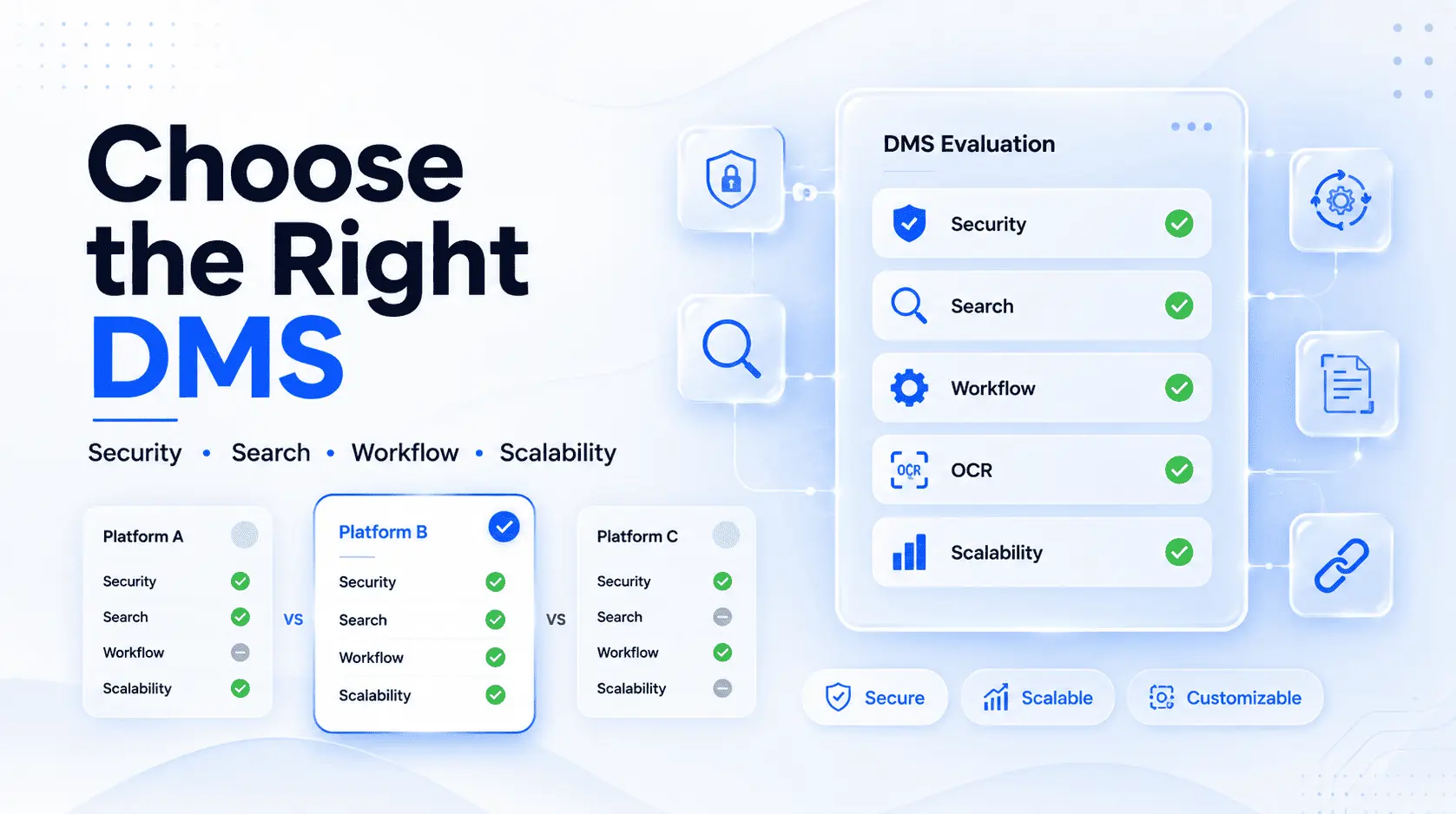
When selecting a solution, businesses should consider features such as security, search capabilities, OCR, workflow automation, access permissions, version control, scalability, and deployment flexibility.
The goal should be to choose a platform that meets current business requirements while supporting future growth.
Conclusion
Documents are among the most valuable assets of any organization. However, when important information is scattered across paper files, computers, emails, and multiple storage platforms, it can create unnecessary delays, security risks, and operational inefficiencies.
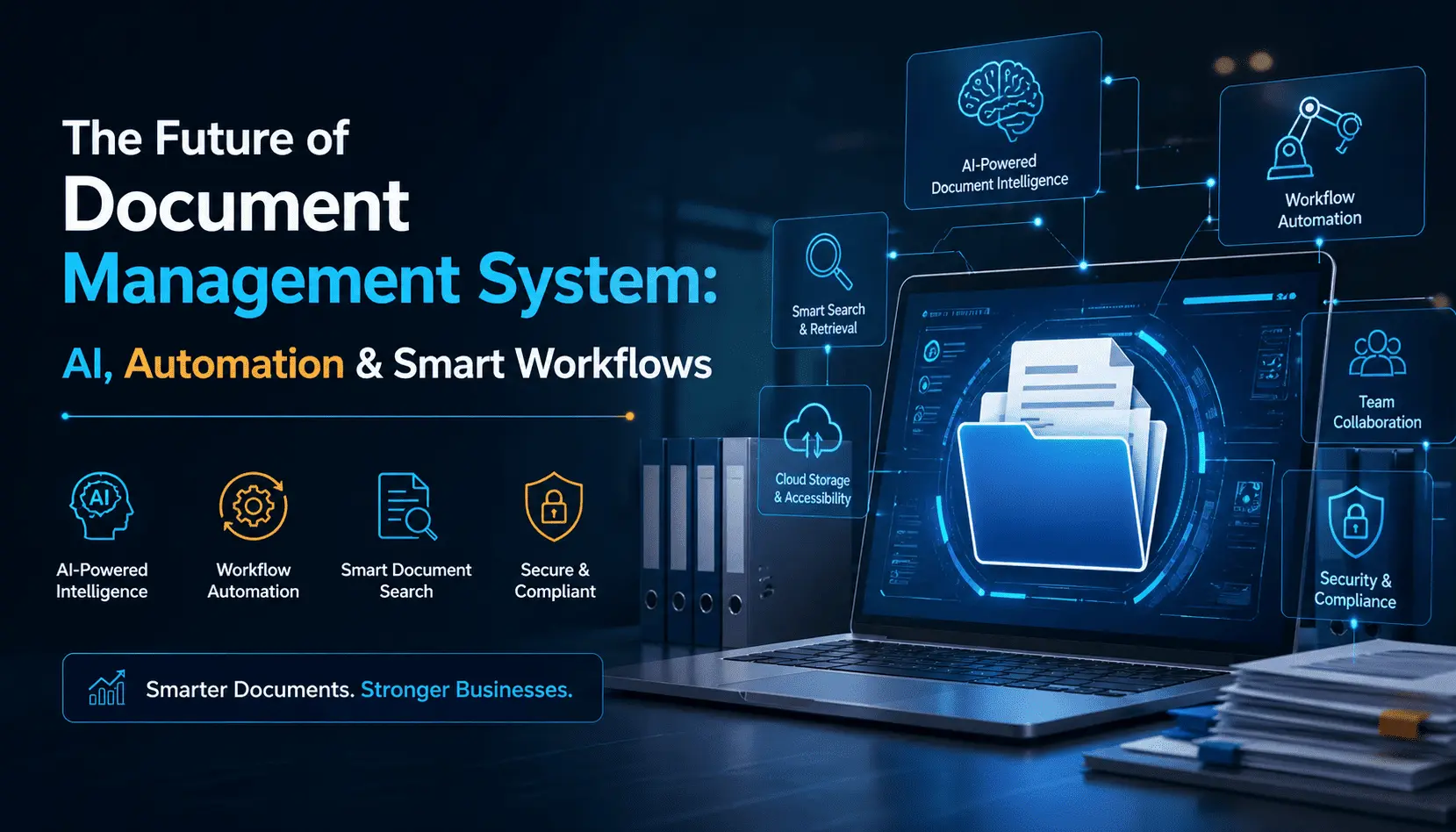
A smart Document Management System transforms the way businesses handle information. It centralizes documents, improves search capabilities, strengthens security, automates workflows, supports collaboration, reduces paperwork, and helps organizations maintain better control over their records.
Frequently Asked Questions (FAQs)
1. What is a Document Management System?
A Document Management System (DMS) is a software solution that helps businesses securely store, organize, manage, search, share, and track digital documents from a centralized platform.
2. How can a Document Management System improve business productivity?
A DMS reduces the time spent searching for files, automates document workflows, improves team collaboration, and provides quick access to important information, helping employees work more efficiently.
3. Is a Document Management System secure?
Yes. A modern Document Management System can provide security features such as role-based access control, user permissions, authentication, audit trails, and document activity tracking to help protect sensitive business information.
4. What is OCR in a Document Management System?
OCR (Optical Character Recognition) is a technology that converts scanned documents and images into searchable digital text. This makes it easier to find specific information within documents.
5. Can a Document Management System help reduce paperwork?
Yes. A DMS allows businesses to digitize, store, organize, and share documents electronically. This reduces dependence on paper, lowers printing and storage costs, and makes document management more efficient.